Reasoning needs a way into action
A reasoning model can understand “put the yellow block on the orange one, then add the red block.” The robot policy still needs to know which objects those words refer to, where to move, and when to continue to the next step.
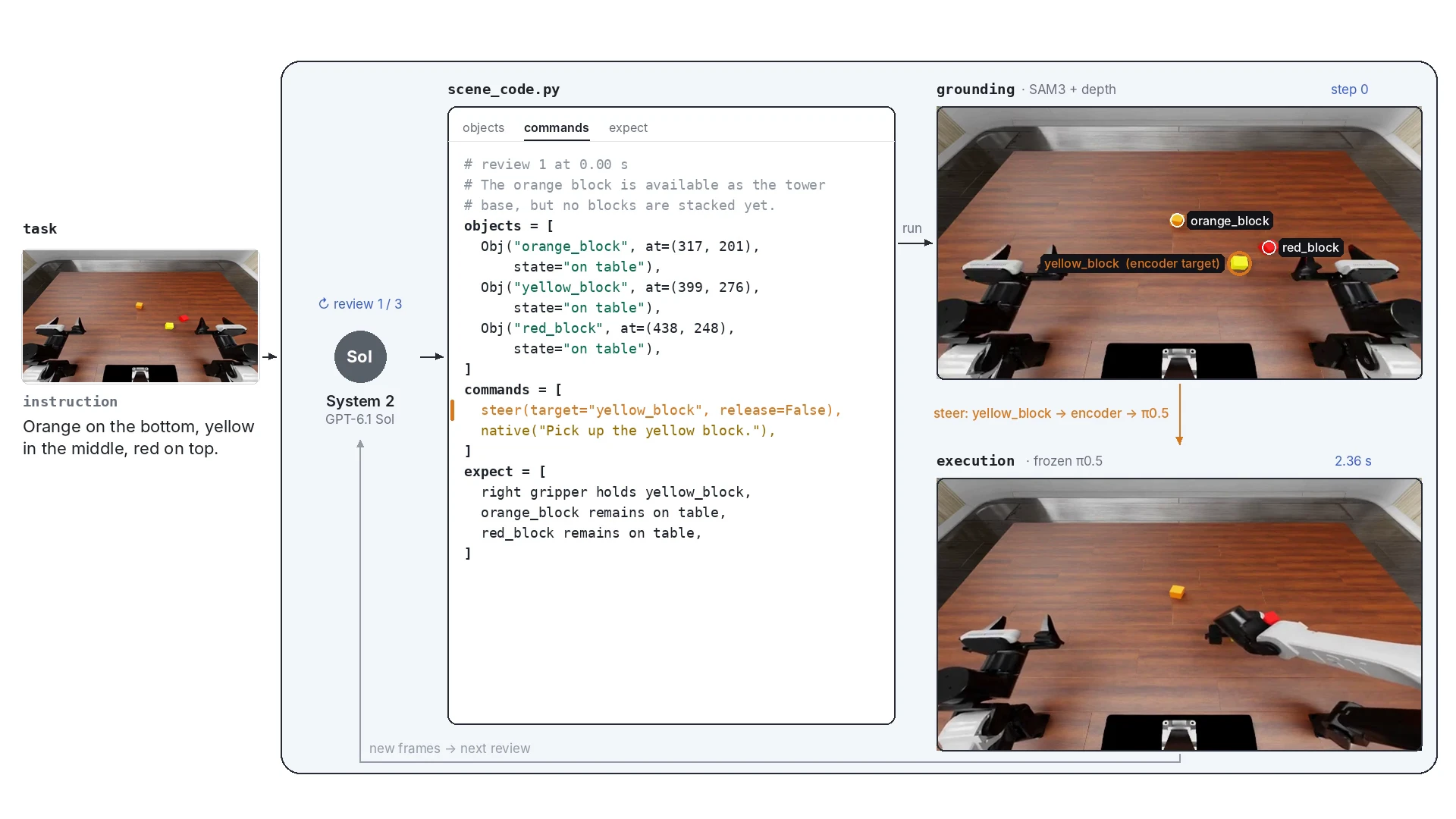
COMPASS is a SceneCode-based bridge system between System 2 and System 1. System 2 interprets the task and writes a structured program. SceneCode carries the objects, goals, steps, and expected outcomes. The bridge grounds these references in the scene and passes execution targets into System 1.
Reason & plan
Understand the context.
Choose the next goal.
SceneCode
Act in the world
Follow grounded targets
through learned embeddings.
What is SceneCode?
SceneCode is a structured description of the task and the scene that both systems use. It names the objects, records their current states and relations, specifies the next action segment, and states what should be true afterward.
The task program carries the longer-term requirement: for example, the orange block must be below the yellow block, and the red block must finish on top. At each review, System 2 updates the current scene and the commands needed to make progress toward that requirement.
What is present, where it is, and what is currently held.
orange_block · anchor [325, 254] · held by left gripperHow objects and the robot relate to each other.
above(yellow_block, orange_block)What should happen during the next action segment.
steer → orange_block · object = yellow_block · release = trueWhat the next observation should establish.
on_top(yellow_block, orange_block)An object reference includes an image anchor, such as a pixel near the center of the orange block. SAM3 uses that reference to locate the object. Depth and camera geometry lift its location into 3D, giving the controller a target that refers to the current scene.
The following is the task-level plan from the recorded color-order stacking case. In the case studies below, the scene description, commands, and expected outcomes change as execution proceeds.
{
  "program": [
    "Use the orange block as the tower base.",
    "Place the yellow block centered on the orange block.",
    "Place the red block centered on the yellow block.",
    "Return the active robot arm to its reset pose."
  ],
  "goal_state": [
    "on_top(yellow_block, orange_block)",
    "on_top(red_block, yellow_block)",
    "upright_stack(orange_block, yellow_block, red_block)",
    "reset(active_robot_arm)"
  ]
}The complete pipeline
COMPASS carries the task through program construction, scene grounding, target encoding, policy execution, and outcome checking. Each new observation can change the next command while the original task requirement stays explicit.
Task context
Objects, rules, and the intended outcome.
System 2 → SceneCode
Write the scene, subgoals, commands, and checks.
Ground the objects
Resolve image anchors into masks and metric targets.
Encode the target
Combine target geometry, robot state, and visual features.
Execute with pi0.5
Inject the bridge vector and produce an action chunk.
Observe and revise
Compare the new scene with expect and update the program.
There are two update rates. System 1 produces action chunks from the current observations and execution target. System 2 reviews the accumulated outcome at selected points and updates SceneCode. This lets the program retain a multi-step plan while responding to changes in the scene.
How the encoder connects the program to actions
The encoder is the learned connection from SceneCode’s grounded execution targets into pi0.5. It receives target geometry, the current robot state and execution phase, together with visual features from the policy. Its output changes the policy’s internal representation before actions are generated.
Target + robot state
Target point and hand-to-target offset
Hand / joint state · active arm · execution phase
Pooled pi0.5 visual features → learned projection
Visual and geometric features meet in the first hidden layer.
Inject into the language-token residual
h10 ← h10 + α · eϕ(f, v)
The action expert then generates the robot’s action chunk.
The default network is an MLP with two hidden layers of width 768, a visual-feature projection, and a 2,048-dimensional output. The resulting vector is added to the language-token residual at PaliGemma layer 10. The target features include the hand-to-target displacement; RoboDojo also supplies the arm state and active-arm information needed for bimanual execution.
Learning the bridge
Training runs the encoder and frozen policy together. The policy predicts an action chunk, and the training objective measures how closely its resulting hand or object position follows the grounded target. Reach and carry terms encourage progress toward the goal; gripper and orientation terms retain the associated manipulation behavior. Release targets add the opening condition.
Gradients pass through pi0.5 to train the encoder. The reasoning model and pi0.5 weights stay frozen. Teacher corrections collected on states encountered during execution can be added as DAgger training data for this bridge.
Planning, correction, and embedding work together
Decide what comes next.
Keep the selected objects, subgoals, order, and completion conditions in the same program.
Redirect execution.
Check what happened, revise the target or plan, and continue. Teacher corrections also supply DAgger training data for the bridge encoder.
Give intent a location.
Ground objects with SAM3 and depth. Encode the target, robot state, and policy features into a signal that guides System 1.
The default system uses Sol for reasoning and pi0.5 for robot actions. SceneCode records the plan and checks; perception resolves its object references; the encoder supplies target guidance; and runtime feedback determines which part of the program to execute next.
Case studies: SceneCode through execution
The following case studies show successive recorded reviews. Each keyframe is paired with the current SceneCode command and expected outcomes, so the progression can be read from top to bottom. Full synchronized recordings are linked below each case.
Keep the intended order while the scene changes.
The task fixes the final color order. The recorded reviews change the immediate subgoal: first approach the yellow block, then place the grasped orange block as the base, and then guide the yellow block onto it.
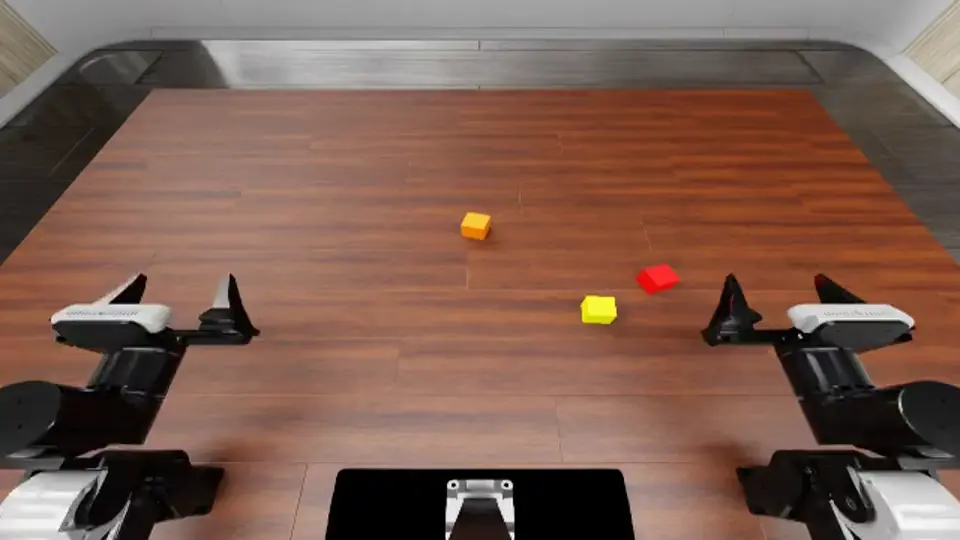
The orange block is available as the tower base, but no blocks are stacked yet.
SCENECODE UPDATE
{
  "next_command": {
    "op": "steer",
    "arm": "right",
    "target": "yellow_block",
    "release": false,
    "segments": 2,
    "instruction": "Pick up the yellow block."
  },
  "expect": [
    "right gripper holds yellow_block",
    "orange_block remains on table",
    "red_block remains on table"
  ]
}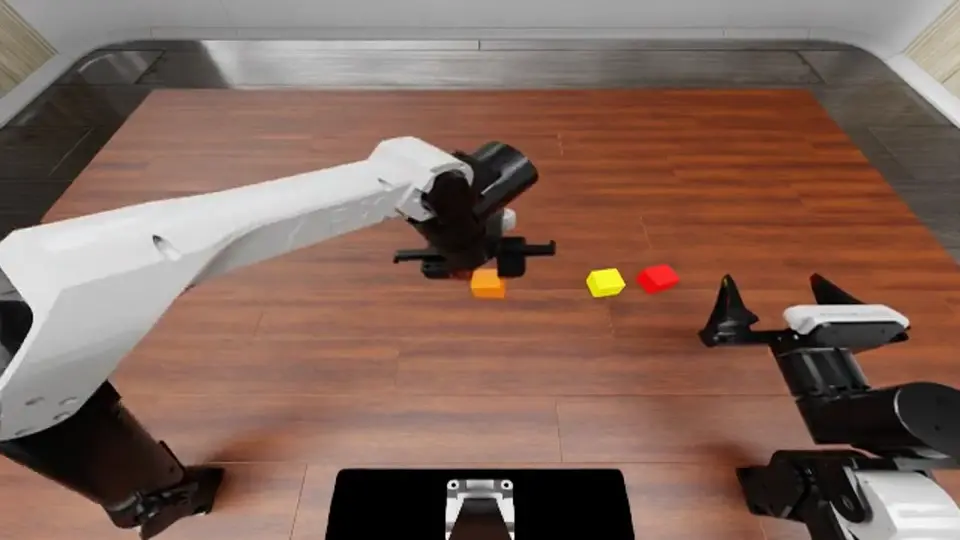
The orange block has been grasped and moved to the intended tower area, but it still must be placed as the base.
SCENECODE UPDATE
{
  "next_command": {
    "op": "native",
    "instruction": "Put the orange block down as the tower base.",
    "segments": 4
  },
  "expect": [
    "orange_block is released upright on the table",
    "orange_block is the base location for the tower",
    "left gripper is empty"
  ]
}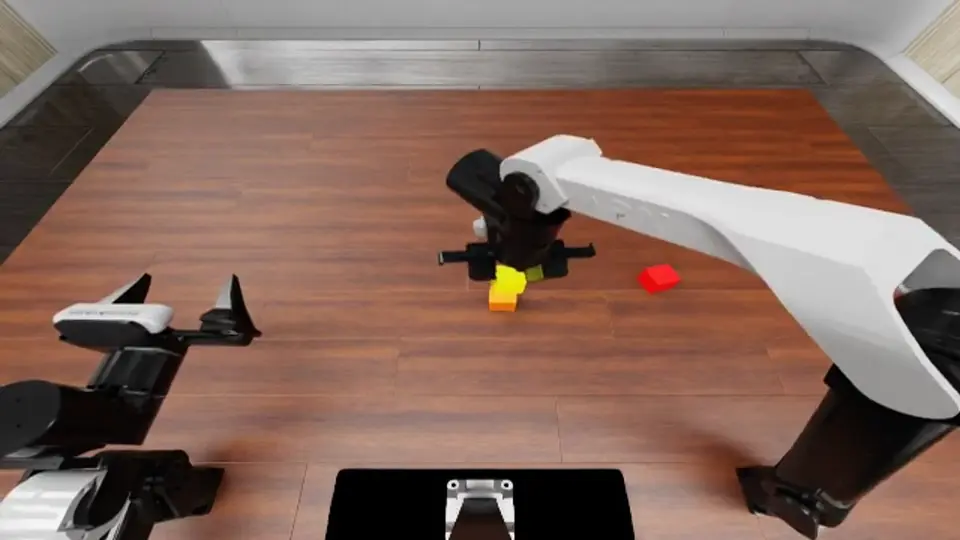
The orange block is positioned as the base, and the right arm is holding the yellow block above it.
SCENECODE UPDATE
{
  "next_command": {
    "op": "steer",
    "arm": "right",
    "target": "orange_block",
    "object": "yellow_block",
    "release": true,
    "segments": 3,
    "instruction": "Place the yellow block on the orange block."
  },
  "expect": [
    "on_top(yellow_block, orange_block)",
    "held_by(red_block, right_gripper)"
  ]
}In the stacking case, the first commands request the yellow block. At 6.00 s, the review describes the orange block as held and changes the immediate instruction to placing that block as the base. At 9.60 s, the program describes the yellow block above the orange base and issues a steer command targeting the orange block, with the yellow block as the held object and release: true.
Remember a color order after the objects disappear.
Three cups cover the colored blocks. SceneCode retains the required red → green → blue uncovering order while updating which cups and blocks are currently visible.
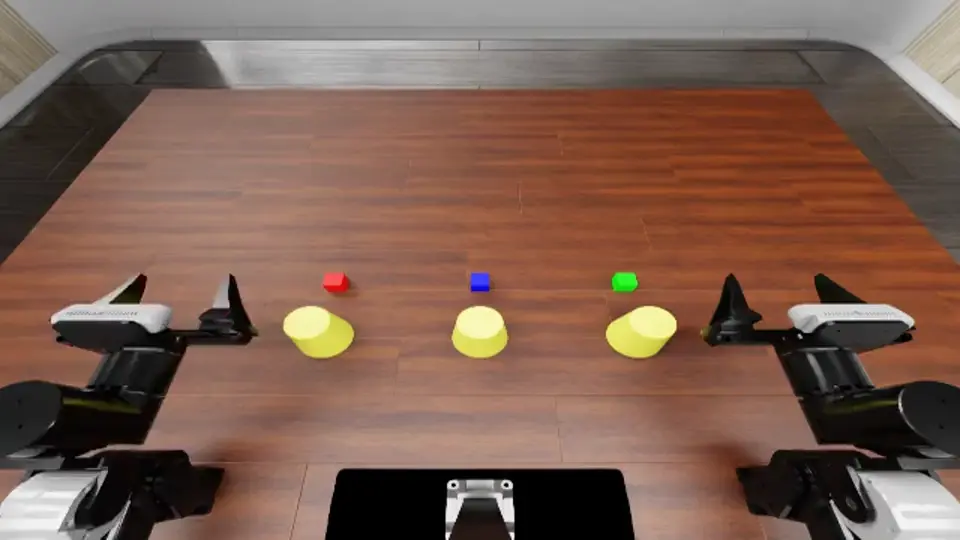
No task actions are yet achieved; the three blocks and three matching yellow cups are visible in their left-to-right positions.
SCENECODE UPDATE
{
  "next_command": {
    "op": "native",
    "segments": 6
  },
  "expect": [
    "covered_by(green_block,left_yellow_cup) may be initiated or achieved",
    "covered_by(blue_block,middle_yellow_cup) may be initiated or achieved",
    "covered_by(red_block,right_yellow_cup) may be initiated or achieved"
  ]
}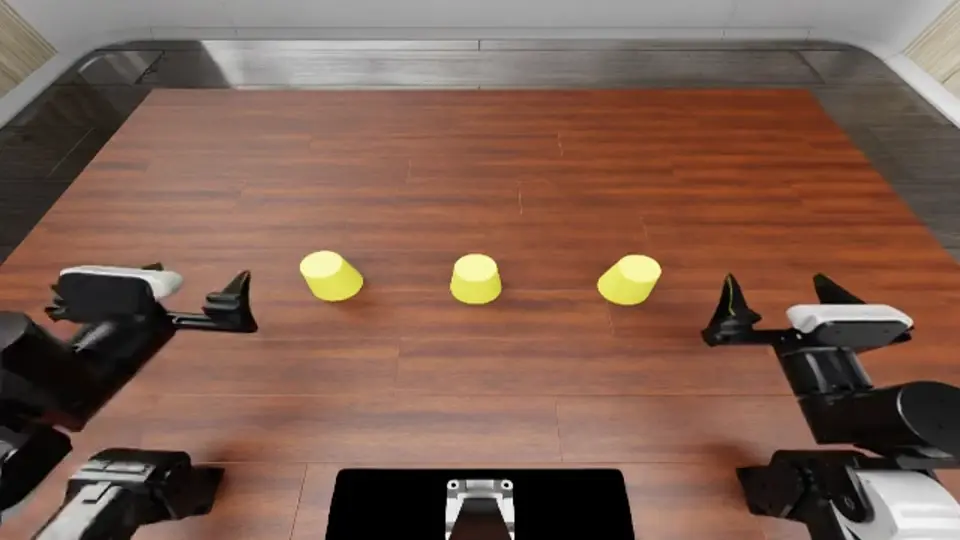
All three cups appear placed over their matching blocks from left to right, so the covering phase is complete and the red cup should now be removed.
SCENECODE UPDATE
{
  "next_command": {
    "op": "native",
    "segments": 6
  },
  "expect": [
    "covered_by(green_block,left_yellow_cup)",
    "covered_by(blue_block,middle_yellow_cup)",
    "covered_by(red_block,right_yellow_cup)",
    "uncovered(red_block)"
  ]
}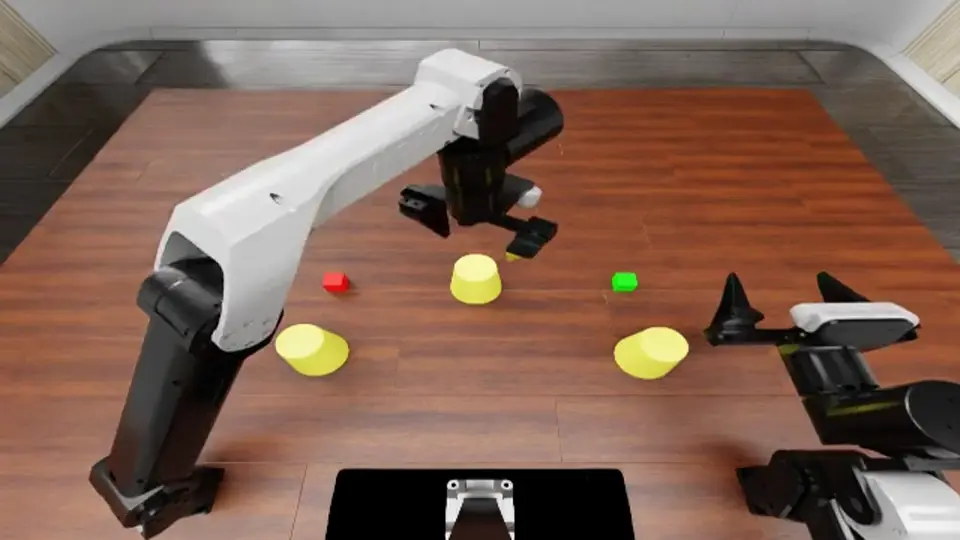
The middle blue block is covered, but the left-to-right covering phase is not yet correct because the left cup is on the red block and the green block remains uncovered.
SCENECODE UPDATE
{
  "next_command": {
    "op": "native",
    "segments": 6
  },
  "expect": [
    "covered_by(green_block,left_yellow_cup)",
    "covered_by(blue_block,middle_yellow_cup)",
    "covered_by(red_block,right_yellow_cup)"
  ]
}The cover-and-uncover task separates current visibility from the remembered requirement. The longer-term plan retains the color order; scene updates record the covering phase, the cups already placed, and the next object to uncover. The live checks show what the controller expects to establish before continuing.
Carry one plan across several objects and destinations.
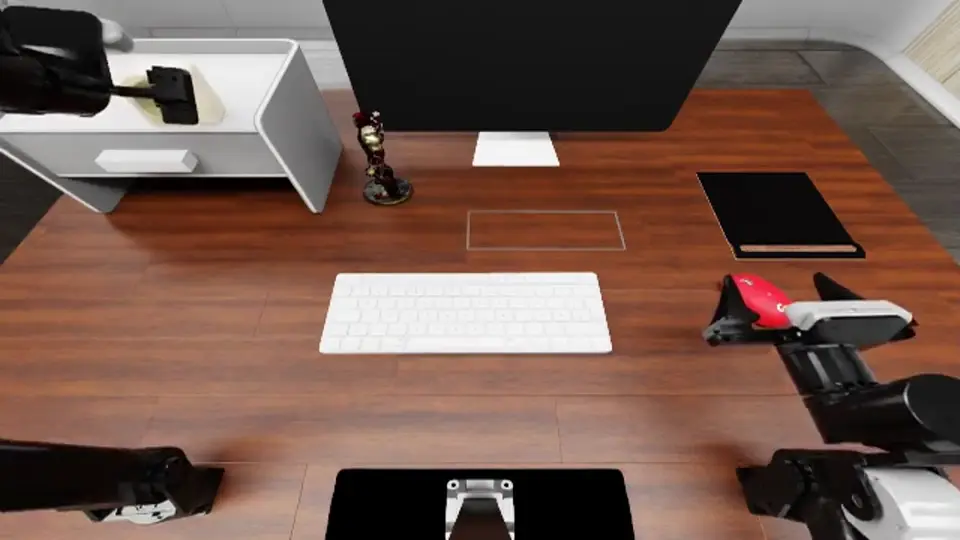
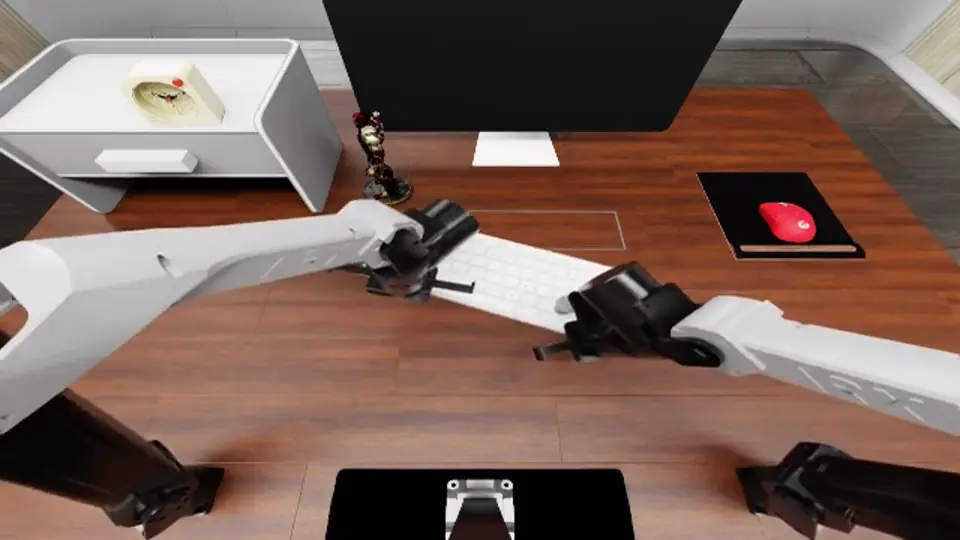
The mouse, keyboard, figurine, clock, and leftover objects have different destinations. The program tracks completed placements and selects what remains to be done.
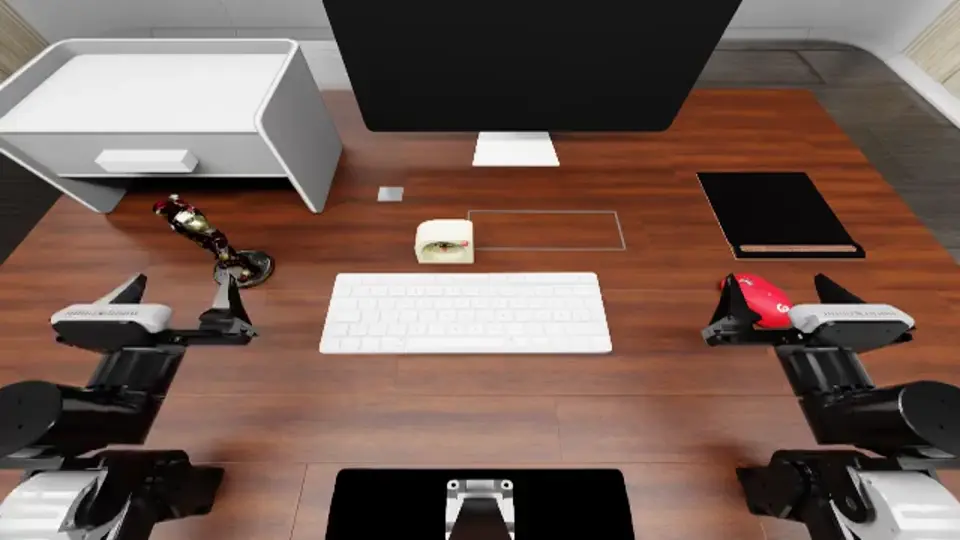
No task-program step is yet complete; the policy should begin by placing the red mouse on the black mouse pad.
SCENECODE UPDATE
{
  "next_command": {
    "op": "native",
    "segments": 6
  },
  "expect": [
    "on(red_mouse, black_mouse_pad) or active progress toward placing the mouse on the pad)"
  ]
}
The alarm clock has been placed on top of the drawer unit; the mouse, keyboard, figurine, drawer opening, and miscellaneous-item storage remain to be completed.
SCENECODE UPDATE
{
  "next_command": {
    "op": "native",
    "segments": 6
  },
  "expect": [
    "The policy continues the trained organization sequence and begins or advances placement of the mouse, keyboard, or figurine without disturbing the alarm clock."
  ]
}
The mouse is on the mouse pad, and the policy is actively pushing the keyboard toward the outlined frame; later ordered steps remain.
SCENECODE UPDATE
{
  "next_command": {
    "op": "native",
    "segments": 6
  },
  "expect": [
    "on(red_mouse, black_mouse_pad) remains true",
    "white_keyboard moves farther into keyboard_frame",
    "policy continues the keyboard-placement step"
  ]
}Workspace organization needs several object–destination pairs. SceneCode preserves those assignments while the scene changes after each placement. The recorded updates make it possible to inspect which subgoals the controller considers complete and which command it chooses next.
The linked recordings show the execution and changing SceneCode side by side.
Cases: different tasks, the same bridge
Ordering, memory, object selection, precision, and coordination put different demands on the robot. These recorded COMPASS executions show how the task requirements become concrete actions. Each example includes a link to its execution video.
11 cases
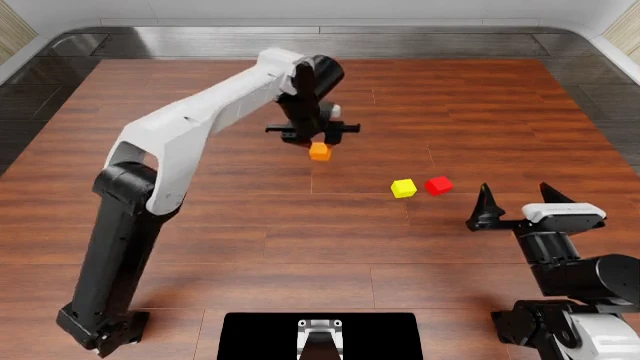
Stack in the requested order
Orange on the bottom, yellow in the middle, red on top.
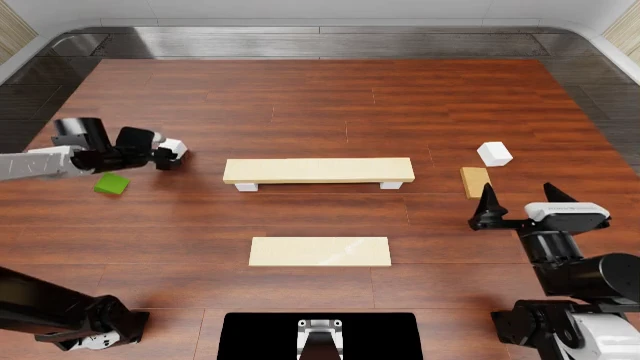
Reproduce a layered structure
Build the demonstrated tower, including the boards and green roof.
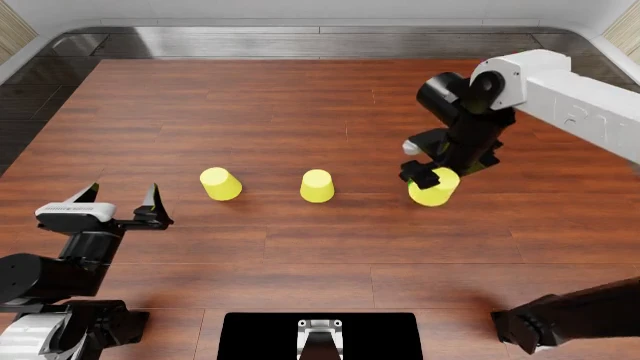
Remember what is under each cup
Cover the blocks, then uncover red, green, and blue in that order.
Recognize the returning object
Remember the first object and pick it when it appears again.
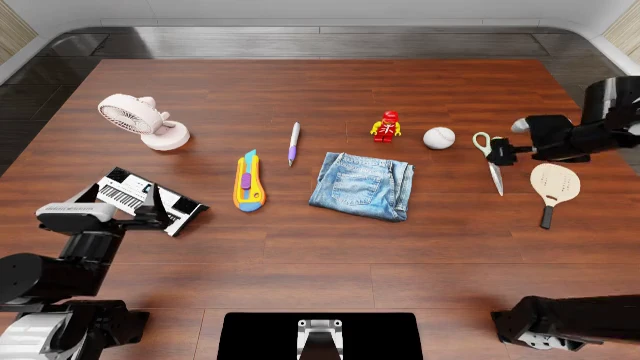
Pick the specified object
Find the mint-green scissors and lift them by 10 cm.
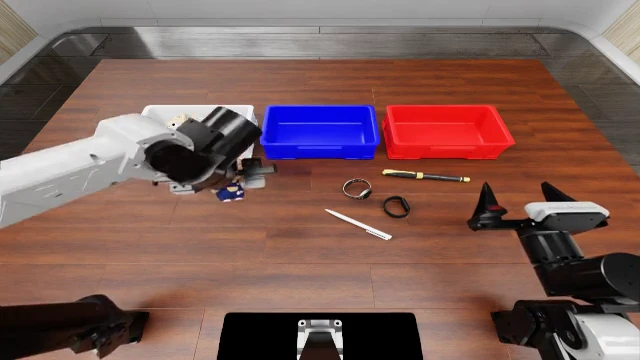
Sort from a demonstration
Match the demonstrated object categories to the three baskets.
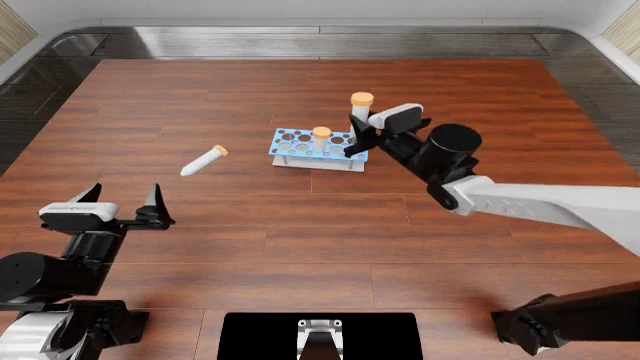
Place each tube in the rack
Insert all three tubes upright, one at a time.
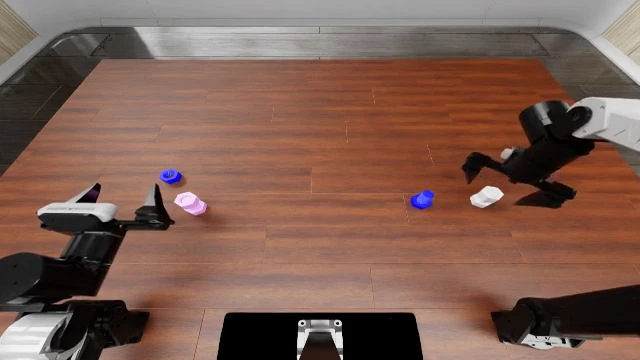
Match and fasten the screws
Pair each screw with the nut of the same color.
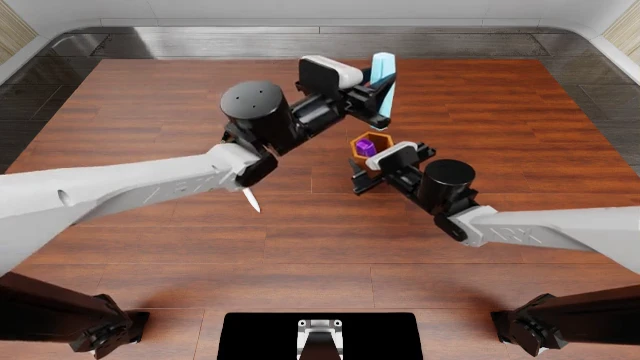
Hold with one hand, fill with the other
Keep the holder upright while inserting all four writing tools.
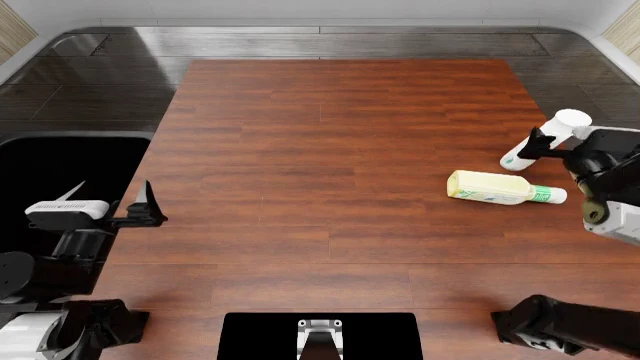
Clear the tabletop
Dispose of the bottles, using a handover when needed.
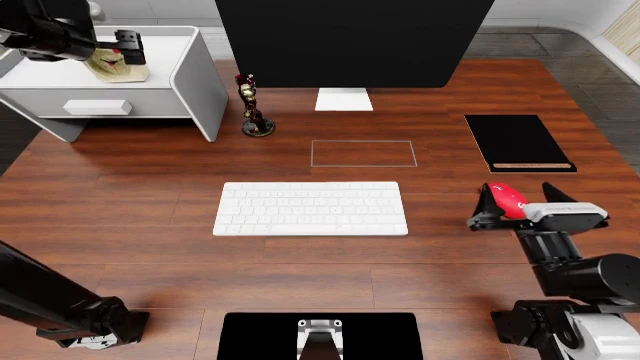
Put the workspace in order
Move each item to its designated place and clear the remaining objects.
A brief look at the results
Public benchmarks test whether the system follows changes in goals, instructions, and positions. COMPASS reaches 83.5% on LIBERO-OOD and 50.1% on LIBERO-CF.
| Benchmark | pi0.5 | COMPASS | Earlier method · paper result |
|---|---|---|---|
| LIBERO-OOD | 38.8% | 83.5% | TLI · 83.0% ↗ |
| LIBERO-CF | 15.7% | 50.1% | CAG-VA · 21.7% ↗ |
| LangGap | 25.7% | 60.7% | — |
| PRO-position | 30.0% | 42.5% | — |
| PRO-task | 25.0% | 41.5% | — |
Task success (%). Paper-method names link to the original result tables.
On RoboDojo ICL, the current run records a task-mean progress score of 17.69 for COMPASS and 15.90 for pi0.5, with 79 versus 65 successful cases.
Switching only the encoder off gives the most direct comparison. On 250 paired LIBERO-CF cases that reuse the same saved Sol plans, COMPASS succeeds in 126; without encoder injection it succeeds in 36. Without the encoder, the robot finished a different, familiar task in 143 episodes, against 20 with it.
| LIBERO-CF suite | Cases | COMPASS | Without encoder injection |
|---|---|---|---|
| Spatial | 75 | 38 (50.7%) | 17 (22.7%) |
| Object | 50 | 18 (36.0%) | 2 (4.0%) |
| OOD | 75 | 42 (56.0%) | 5 (6.7%) |
| Long | 50 | 28 (56.0%) | 12 (24.0%) |
| All | 250 | 126 (50.4%) | 36 (14.4%) |
Successes on the same cases, plans, seeds and controller; only the encoder injection differs.
What SceneCode makes possible
The core of COMPASS is a shared representation that reasoning can write, perception can ground, and the action policy can use. Planning, corrections, and embeddings work through that bridge as the task unfolds.